
ATS for Small Business: A Practical Guide That Doesn't Assume You Have an HR Team
An applicant tracking system (ATS) collects applications and tracks candidates through a hiring process. For a small business, its value depends on whether it reduces the work involved in filling your actual roles: organising applications, comparing candidates, coordinating interviews, or keeping records.
Start with the hiring problem you need to solve. This guide compares published ATS plan details, explains the relevant hiring benchmarks, and shows how to calculate software cost per hire.
Hiring Benchmarks Worth Knowing Before You Buy
Two research findings help separate a software problem from a hiring problem:
- Screening and interviewing each averaged 8–9 days in SHRM's 2025 benchmarking release. The survey received 2,371 responses from U.S. SHRM members across organisation sizes; responses were unweighted and the sample varied by metric. These are process durations, not hours of staff effort or a forecast for your business.
- 85% of owners hiring or trying to hire reported few or no qualified applicants in NFIB's July 2026 Jobs Report summary, published 6 August 2026. The same report put unfilled openings at 36% of small business owners, seasonally adjusted. This is U.S. small business evidence, not a measure of ATS effectiveness.
The practical implication: count qualified applicants and time spent at each stage before choosing software. A large inbox can create a review problem while still containing too few suitable candidates. An ATS can organise that inbox; it cannot by itself fix pay, working conditions, or a job advert that attracts the wrong applicants.
"Small Business" Covers a Lot of Ground
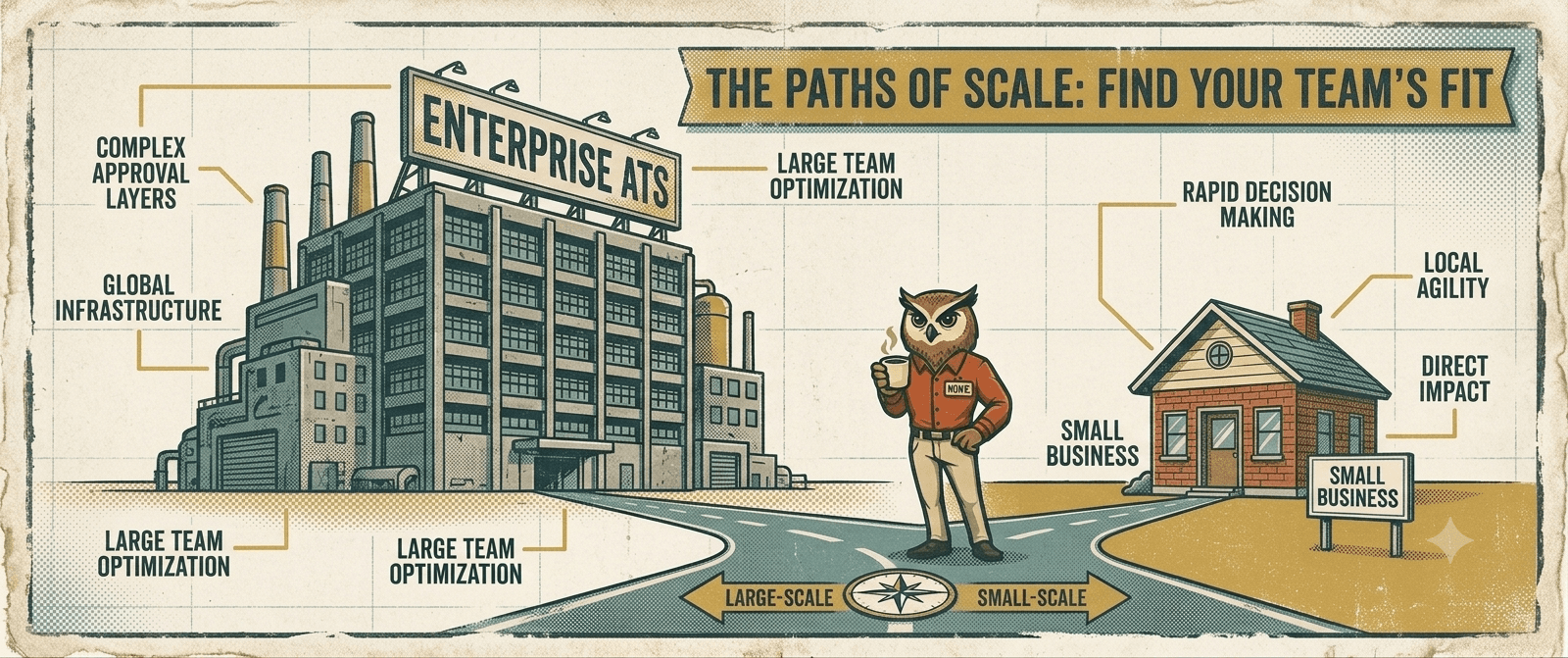
Consider a company with three employees filling its first role and a 200-person organisation running ten simultaneous hires across multiple departments. They need different amounts of coordination, even if both describe themselves as small businesses.
A café owner hiring a shift supervisor and a growing software company building a sales team may both need applicant tracking. They may need very different levels of scheduling, reporting, and shared access. Company size alone does not tell you which features will earn their cost.
The first question to answer before evaluating any ATS is not "which platform has the best features?" It is: how many roles are you filling at the same time?
If the answer is usually one, or occasionally two, start by testing whether a simple ATS or a focused tool to screen a single pool of candidates covers the work. Several ATS vendors offer free or entry-level plans; the question is which plan includes the capabilities you need.
What an ATS Is Actually Doing
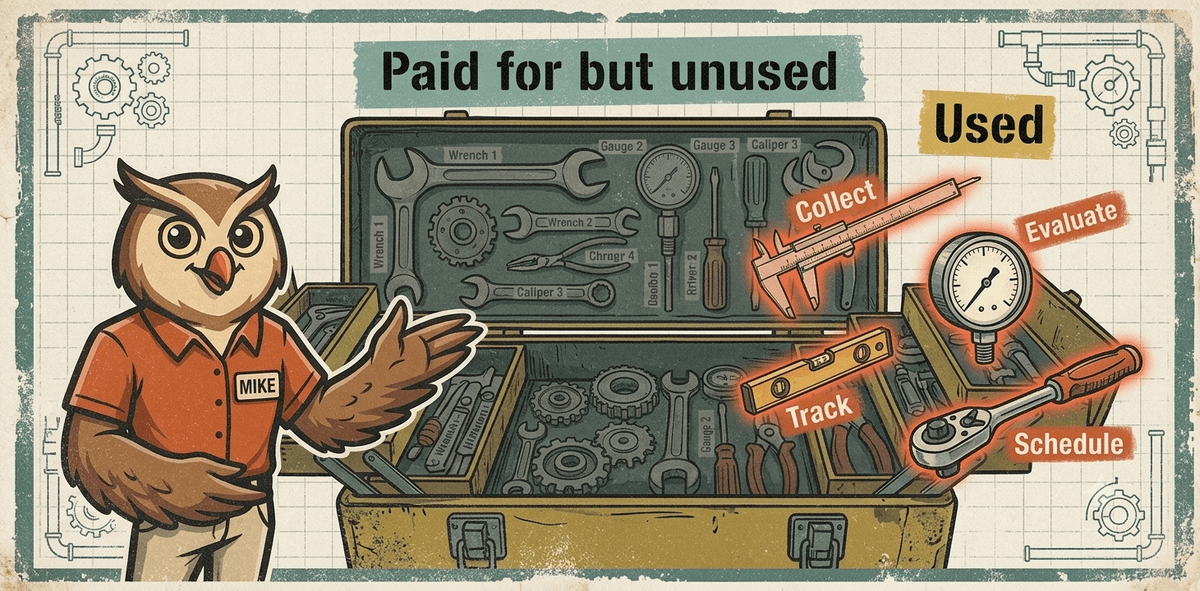
When evaluating an ATS, check four capabilities. Their availability varies by platform and plan:
It collects applications in one place instead of your inbox. It tracks candidates through stages so you know who is where without reconstructing it from memory. It structures the evaluation process so that hiring managers assess candidates consistently rather than based on the impression of the last conversation. And it handles administrative tasks like scheduling, status updates, and reminders, so those things happen automatically.
Features such as analytics, career sites, HR system integrations, and offer workflows can help even a small team. Their value depends on the task: a career page may be useful for your first hire, while reporting across departments becomes more relevant when you are running several hiring processes. Check the included features rather than assuming every ATS does all four things above at its entry price.
For evaluation, the U.S. Office of Personnel Management's structured interview guidance provides a concrete standard: use a fixed sequence of job-related questions and judge responses against shared scoring criteria. In a product demo, ask to see the question set, scoring rubric, and candidate evidence. A stage label or an AI score alone does not demonstrate that structure.
HireMike Insight
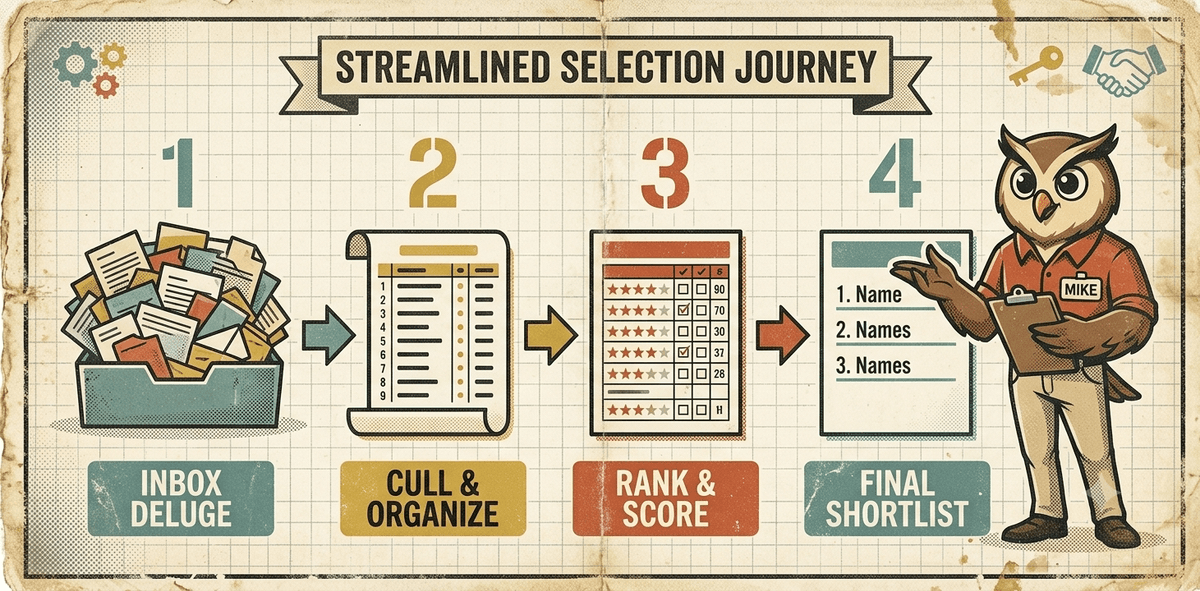
For the one-role screening workflow HireMike is built around, the useful test is specific: can the owner compare evidence against the role's criteria without rebuilding a spreadsheet? Use that task in every demo, then check which subscription tier actually includes it.
An Honest Look at the Main Tools
The table below uses vendors' own product and pricing pages, checked on 5 September 2026. Dollar amounts are USD. Confirm billing terms, add-ons, and current limits before purchasing; the advertised entry price is not necessarily the price of your complete workflow.
| Platform and plan | Published price or limit | What to check for a small business |
|---|---|---|
| Dover ATS | Free ATS with unlimited users, jobs, and candidates. | Test the free workflow; recruiter services are a separate purchasing decision. |
| Manatal Professional | US$15 per user/month billed annually; up to 15 jobs and 10,000 candidates per account. | Workflow Automations require Enterprise or Enterprise Plus. A low seat price does not mean every automation is included. |
| Breezy HR Bootstrap | Free; unlimited users and one active position or candidate pool. Candidate access covers candidates added within the last 30 days. | Check whether that access window and one active position fit a hiring process that runs for several weeks. |
| Workable Standard | Lists an ATS and unlimited active jobs, subject to fair usage limits; pricing varies by employee band and package. | Select your headcount and package before comparing cost. Video interviews and assessments appear as add-ons. |
A free ATS can be sufficient for an occasional hire. A paid one can earn its cost even for a solo manager if it removes repetitive work. Compare each tool using the same role, candidate sample, and required tasks so that the decision reflects your process.
Five Things That Actually Determine Which ATS Is Right for You
Use these five questions alongside the plan comparison. The role and reviewer counts below are practical starting points, not research-backed thresholds for when an ATS becomes necessary.

1. How many roles are you typically filling at once? For one or two roles, test whether a simple candidate list and evaluation workflow are enough. With several simultaneous vacancies, a shared view of candidates across roles can make ownership and next steps easier to track.
2. How many people are involved in each hiring decision? A solo manager may need notes and reminders. When reviewers share a decision, check separate scorecards, access permissions, and whether each person can see the evidence they need. Count paid seats as well as reviewers; they may be different categories in the vendor's plan.
3. What is your actual bottleneck? Is the problem that you cannot find candidates? Then sourcing tools matter. Is the problem that you have candidates but cannot review them consistently or quickly? Then screening and evaluation structure matters. Is the problem that the administrative back-and-forth, including scheduling, status emails, and reminders, eats your time? Then automation matters. Most platforms do all three, but they do not all do all three equally well. Know which problem you are actually solving.
HireMike Insight
Count applications that meet your essential criteria separately from total applications. If that first number is low, examine the role and sourcing; if suitable applications wait unread, examine review capacity. HireMike addresses structured screening, so that distinction matters before you choose it.

4. What does your time budget for hiring actually look like? If you have four hours a week available to dedicate to a hiring process, a platform that requires configuration, integration setup, and ongoing management is not the right fit regardless of how good its features are. The right tool for a time-constrained hiring manager is one that requires minimal setup and operates with minimal ongoing management, rather than one that offers maximum capability in exchange for significant attention.
5. Do you need the tool to grow with you, or do you need it to work now? Buying for future scale is logical if you are actively growing and expect your hiring volume to increase materially within the next twelve months. Buying for current needs is more practical if your hiring is occasional and your situation is unlikely to change significantly in that period. Most ATS platforms are priced and structured to reward the former. If you are the latter, you may be paying for headroom you will not use.
Calculate the Cost Per Completed Hire
Compare the annual subscription, paid seats, add-ons, setup time, and ongoing administration against the number of hires you expect to complete. Keep software cost per hire separate from total recruitment cost, which also includes advertising and staff time.
For example, two Manatal Professional seats at the published annual rate cost US$15 × 2 × 12 = US$360 per year before any applicable taxes or add-ons. If you complete three hires, that is US$120 in subscription cost per hire. This is arithmetic using the listed price, not a measured customer outcome.
For a separate, illustrative time calculation, suppose a tool costs £600 a year and you value hiring administration at £40 an hour. It must save 15 hours a year to cover that fee in time value alone. At three hires per year, that is five hours per hire. Add setup and review time before deciding whether it pays for itself; reclaimed salaried time is not automatically a cash saving.
Where HireMike Fits
HireMike is not a traditional ATS. It does not have a visual pipeline for managing multiple simultaneous roles, a sourcing database, or a career site builder. It is built specifically for the hiring problem at the other end of the spectrum: a small business filling one role at a time, with one primary decision-maker, whose bottleneck is structured screening rather than pipeline management.
The workflow is direct: post a role, let HireMike handle structured CV screening and first-round interviews against criteria you define, review the ranked shortlist and its supporting evidence, and make the decision. Scheduling, scoring, and ranking happen automatically. The hiring manager remains responsible for checking that the criteria and evidence support the decision.
For a business filling one role every few months, this is an option to evaluate alongside a simple ATS. The benchmarks above do not establish that HireMike or any named platform improves quality of hire; compare the actual workflow and measure the results in your business.
What to Do Before Choosing Anything
Before you open another comparison tab, answer these three questions honestly: How many roles are you filling right now, simultaneously? How many people need to be involved in reviewing candidates? And what is the actual step in your hiring process that is costing you the most time?
Those three answers will tell you more about the right tool than any feature table.
If your answers are "one," "mostly me," and "reviewing and comparing applicants," then HireMike was built for that specific situation. If your main need is tracking applications and coordinating reviewers, test the ATS plans above against that workflow. Dover and Breezy HR offer free starting points with different limits.
The wrong tool is the one that solves a problem you do not have. The right one is the one that addresses the step in your process that is actually breaking down.
Sources and Scope
- SHRM's 2025 benchmarking release, 15 October 2025: U.S. survey methodology and time spent in hiring stages.
- NFIB's July 2026 Jobs Report summary, 6 August 2026: small business vacancies and qualified applicant availability.
- OPM's structured interview guidance: consistent questions and evaluation criteria.
- Vendor specifications: Dover, Manatal, Breezy HR, and Workable, checked 5 September 2026.
Research findings, vendor specifications, and illustrative calculations are identified separately. None is a HireMike customer performance study.